What to do with old family photos: sort them, digitize them, get their stories
A shoebox, two albums with sticky pages, and fewer and fewer people who can say who is who. The most urgent thing isn’t digitizing: it’s asking for the names.
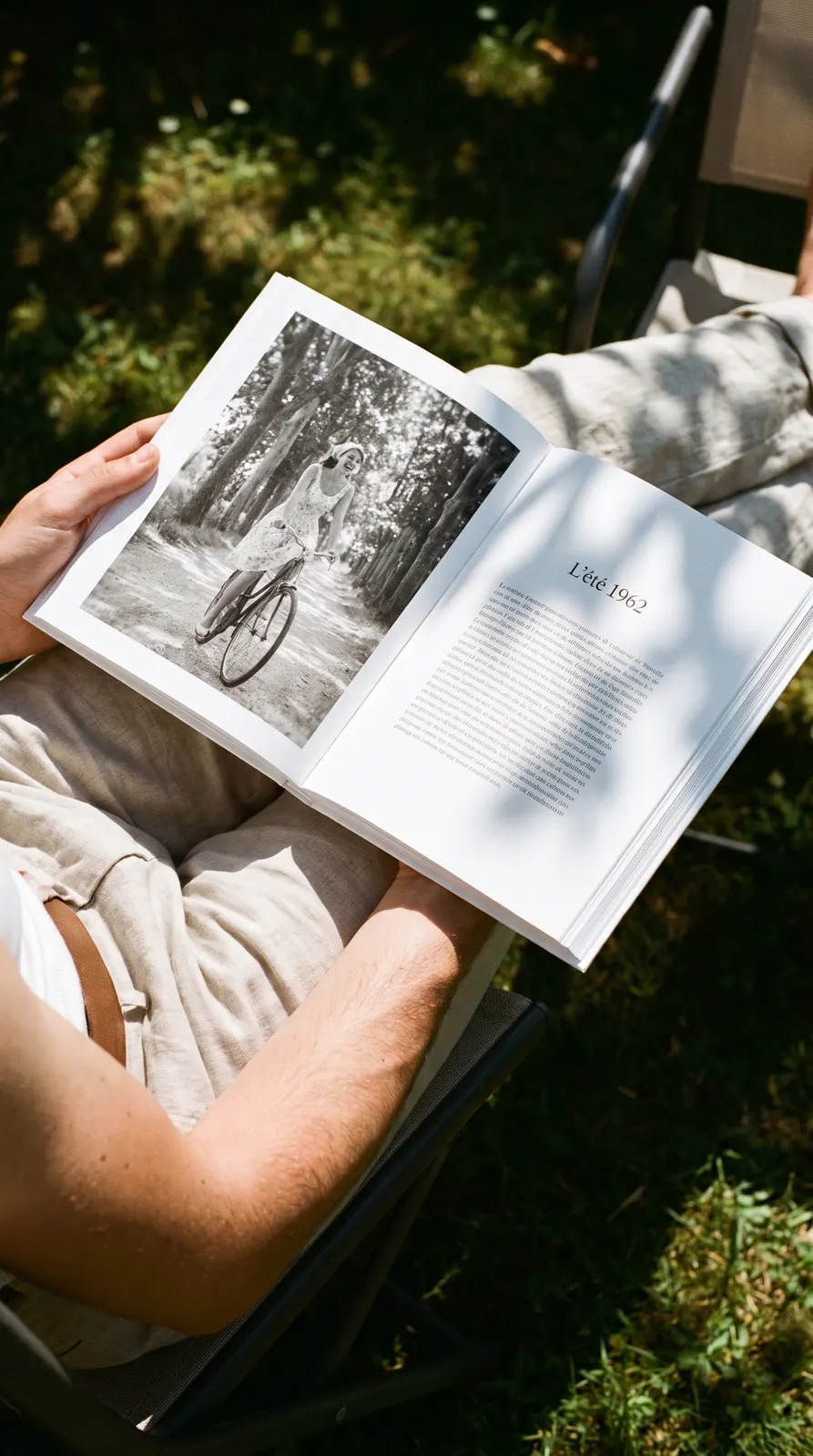
Summer 1962, in a book made today. The photo has left its box: its date, its place, and its story now sit right beside it.
Start with the names, not the scanner
A digitized photo whose faces no one can name anymore is still a lost photo. Before anything else, sit down with the oldest person in the family, the box between the two of you.
For each photo, four questions: who is this, where is it, roughly what year, and what was the occasion? Record the conversation on your phone: you won’t have time to write everything down, and you’ll hear far more than names.
Number each photo on the back, in pencil, lightly and in a corner. Never in pen: the ink bleeds through or rubs off onto the next photo. Copy the number and the names onto a sheet of paper.
Sort into three piles
You don’t have to keep everything. Sorting is what will let other people look.
- Keep. The photos where someone is recognized, the places the family lived, the moments that matter.
- Give away. The duplicates, and the photos from another branch of the family: your cousins will be glad to have their own grandparents’ wedding.
- Let go. The blurry landscapes, the strangers no one could name after you asked everywhere, the sixth shot of the same monument.
Before you throw out a photo of strangers, show it one last time in the family group chat. There’s often an aunt who knows.
Digitize old photos at home, without fancy equipment
A recent phone is enough for most prints, on four conditions:
- 01The photo lies perfectly flat, on a dark, plain background.
- 02The light is daylight, near a window, with no direct sun and no flash.
- 03The phone is held parallel to the photo, so the image isn’t distorted.
- 04No glare crosses the glossy paper: take a step to the side if you need to.
For photos you want to enlarge or print full page, a flatbed scanner does better. Set it to 600 dpi for small prints. Negatives and slides go to a photo lab, which has the equipment for them.
Give each file a real name right away: the year, the place, the people. “1962-cape-cod-betty-and-frank” can be found in ten seconds. “IMG_4032,” never.
Date the ones with no date
Few photos are dated, but nearly all of them leave clues.
- The back. A photo lab stamp, a penciled date, an inscription.
- The children. This is the surest clue: if your mom, born in 1957, is barely walking, the photo is from 1958.
- The season and the occasion. Coats, trees, a Christmas tree, a graduation gown.
- The setting. A car, a billboard, a storefront, the wallpaper.
- The print itself. Black and white or color, scalloped edges or rounded corners.
When you aren’t sure, write “around 1960.” An honest approximate date is better than a precise wrong one.
Take good care of the originals
Digitizing doesn’t mean you can part with the originals. Prints last a long time if you treat them simply.
- Flat or upright in a closed box, away from light.
- In a room you live in: not the basement, not the attic, which are too damp or too hot.
- No rubber bands, no paper clips, no tape, no glue.
- Out of the albums with sticky pages, which damage them over the years: lift them out gently, without forcing.
For the files, two copies in two different places: your computer and an external drive, or a drive and online storage. One copy is no copy.
Get them talking
A photo with names on it is saved. A photo with a story becomes a family memory. For each one that matters, ask three questions: who’s in it, who took it, and what happened right after?
Send one photo a week to the family group chat, with a single question: “Does anyone recognize someone?” The answers come in within hours, contradict each other, and bring up stories no one had ever told.
That’s the makings of a book. To go further: how to write your family history, and the 30 questions to ask your grandparents while they’re still here to answer.
Share them
A box of photos never belongs to just one person, even if it’s stored at your house. Send the files to your brothers, sisters and cousins, along with the list of names.
Better still: bring the best ones together in one book, with their captions and their stories, and have a copy made for each household. Then everyone has the same memory, and no one depends on the box anymore.
Frequently asked questions
What do you do with old family photos no one wants?
You can throw them out, once you’ve asked around. Offer them first to the other branches of the family. Keep the ones where someone is recognized, and let go, without guilt, of the duplicates, the blurry ones and the landscapes that nothing ties to you.
Is it better to scan photos or photograph them?
A phone is faster and good enough for sharing or printing small. A flatbed scanner gives a finer image, useful for an enlargement or a full page. Start with the phone: better a hundred photos saved today than ten perfect ones a year from now.
What should you do with negatives and slides?
Keep them: they hold more detail than the prints. Store them away from heat and take the ones you want to see again to a lab. Hold them up to the light of a window first to choose.
How do you find out who is in a photo?
Show it to the oldest people in the family, then to the family group chat. Compare it with the photos you’ve already identified: the same armchair, the same dress, the same house. And write down the answers right away, on the back, in pencil.